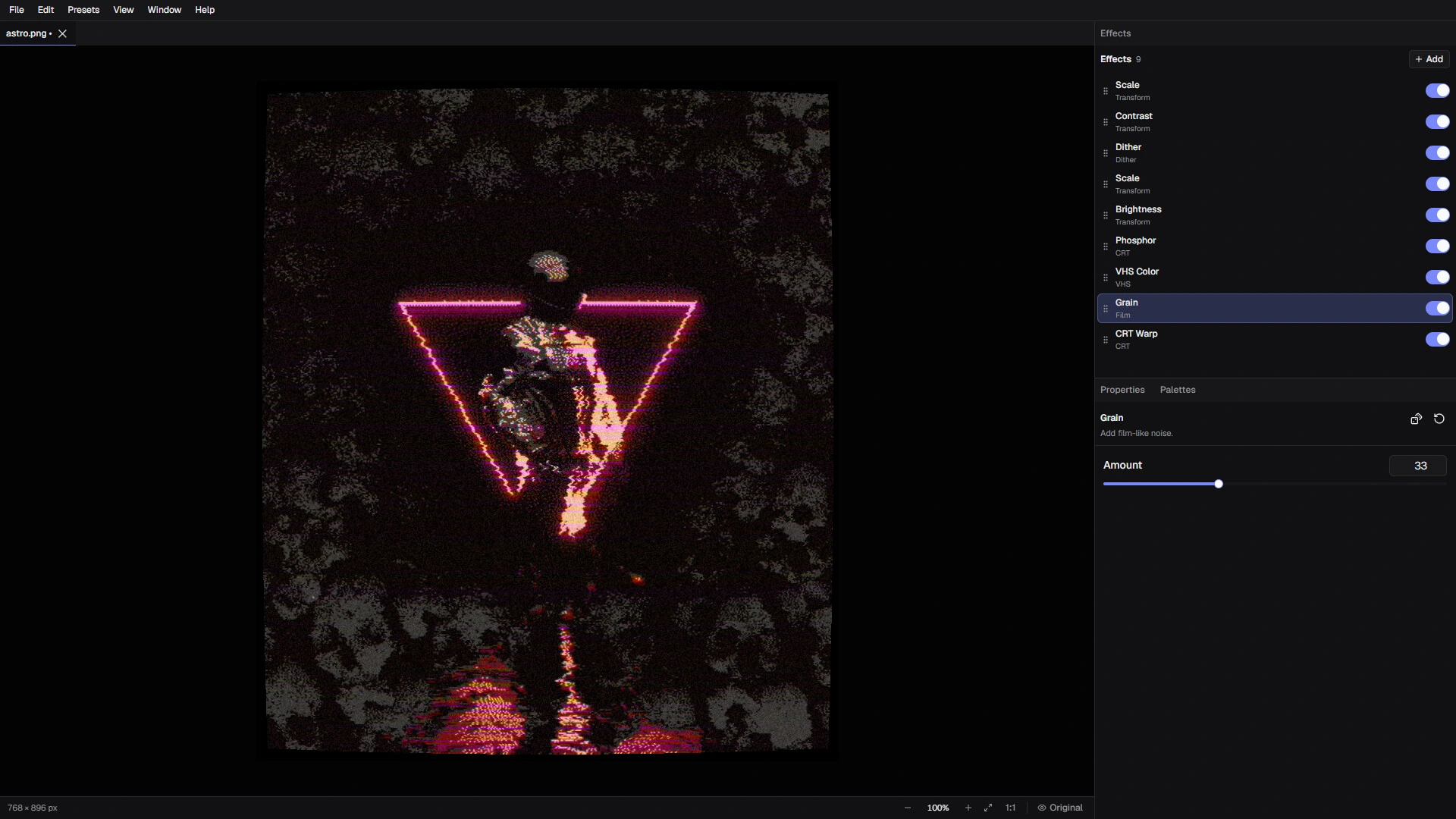
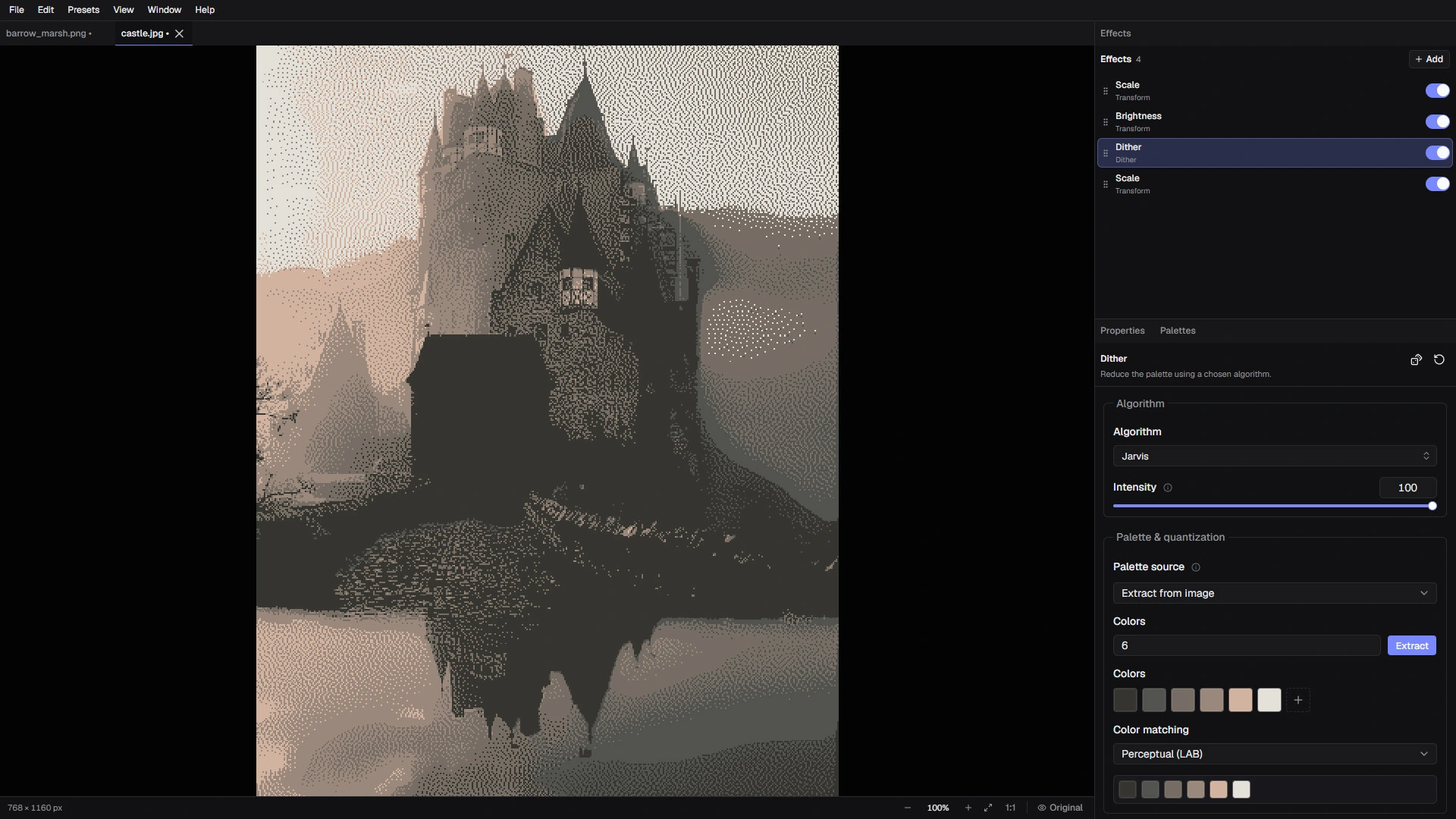
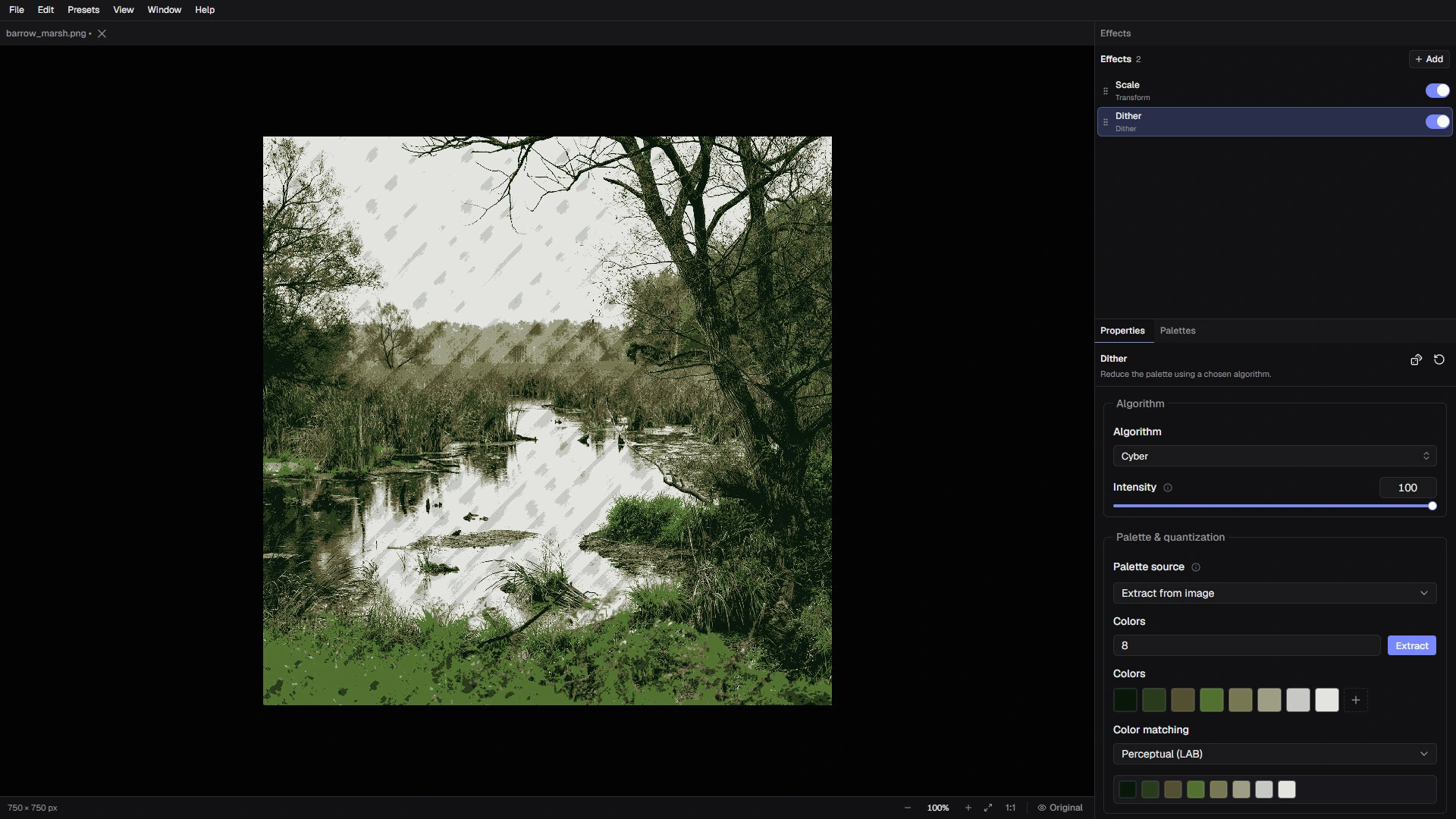
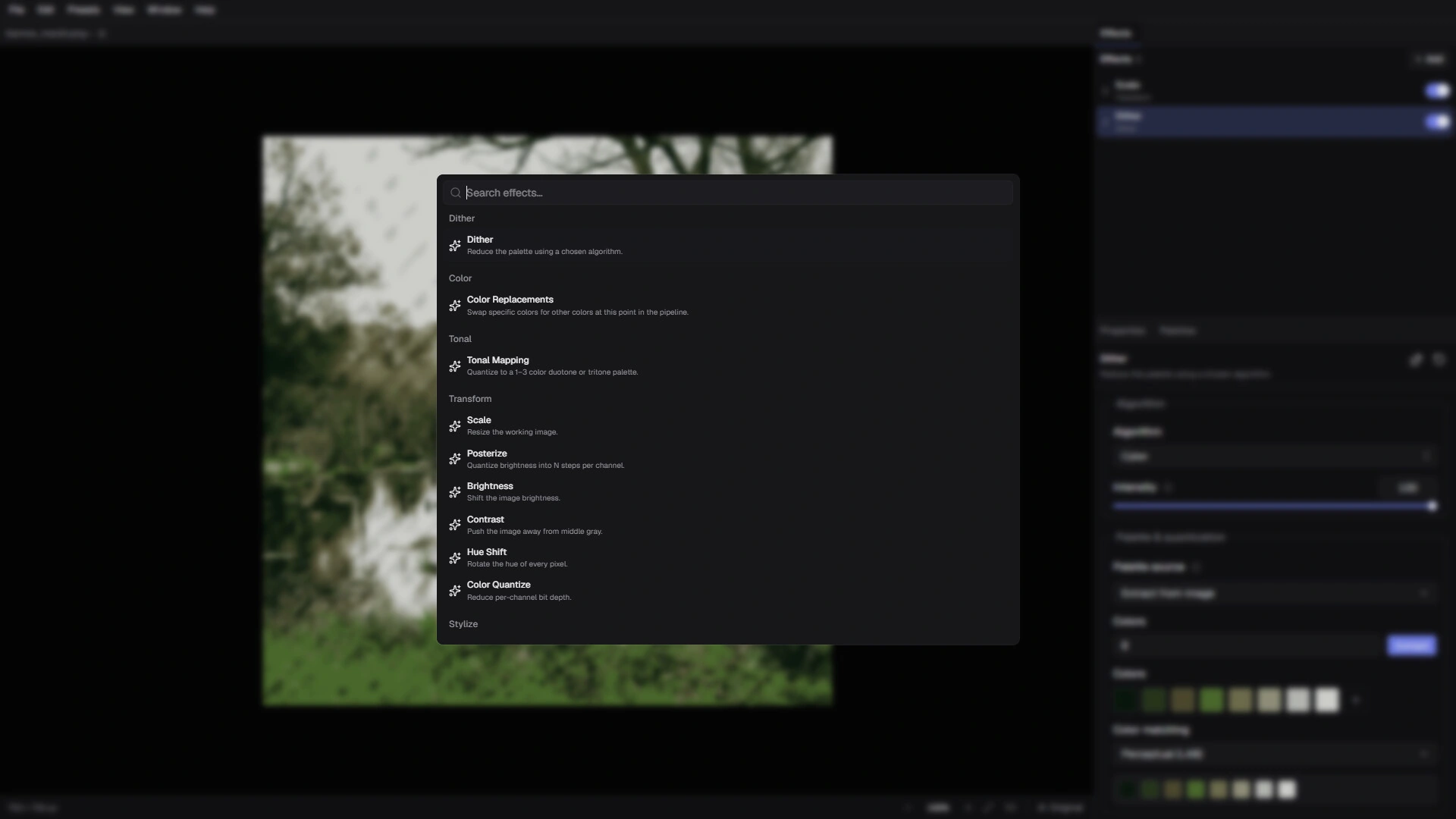
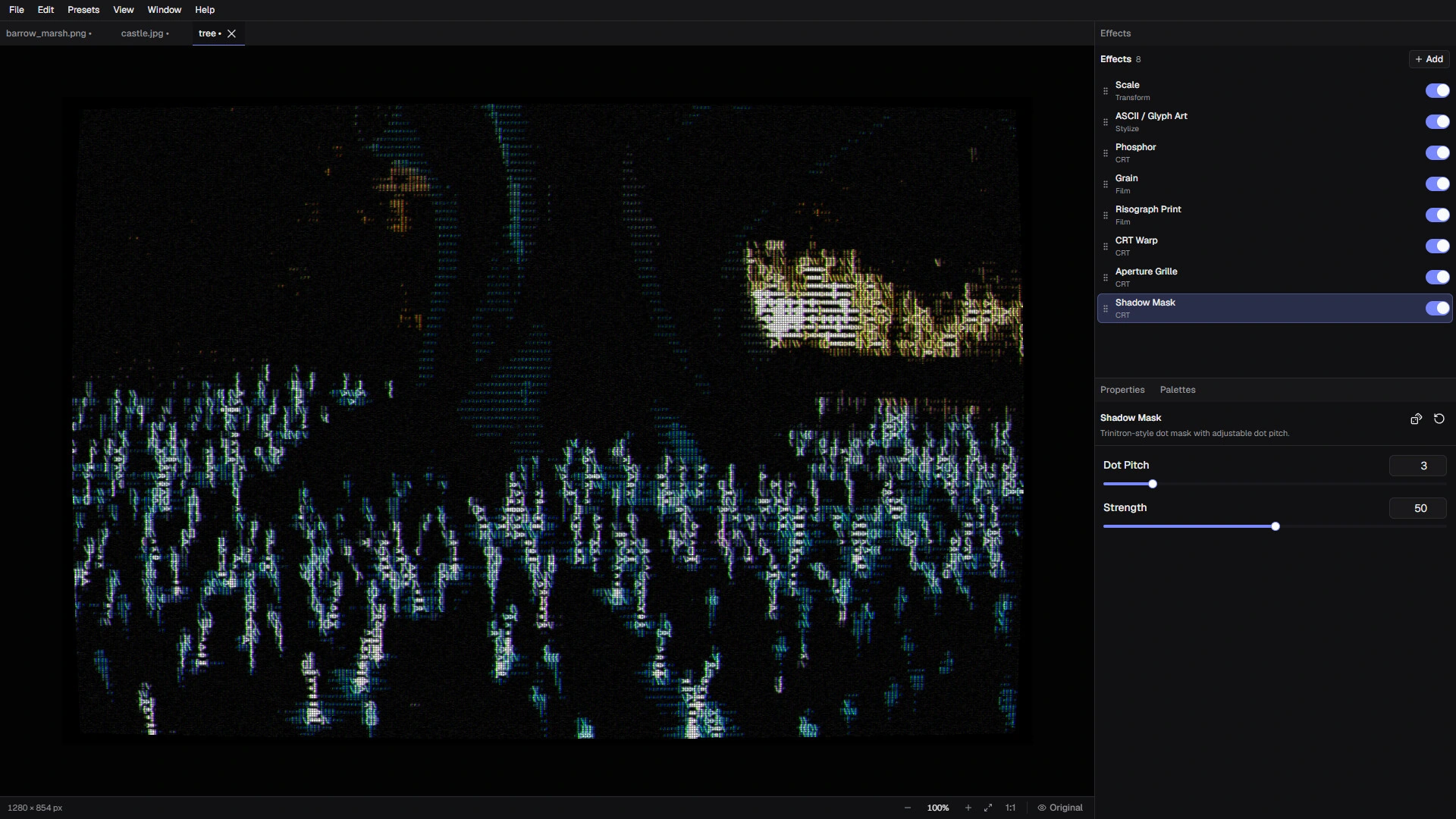
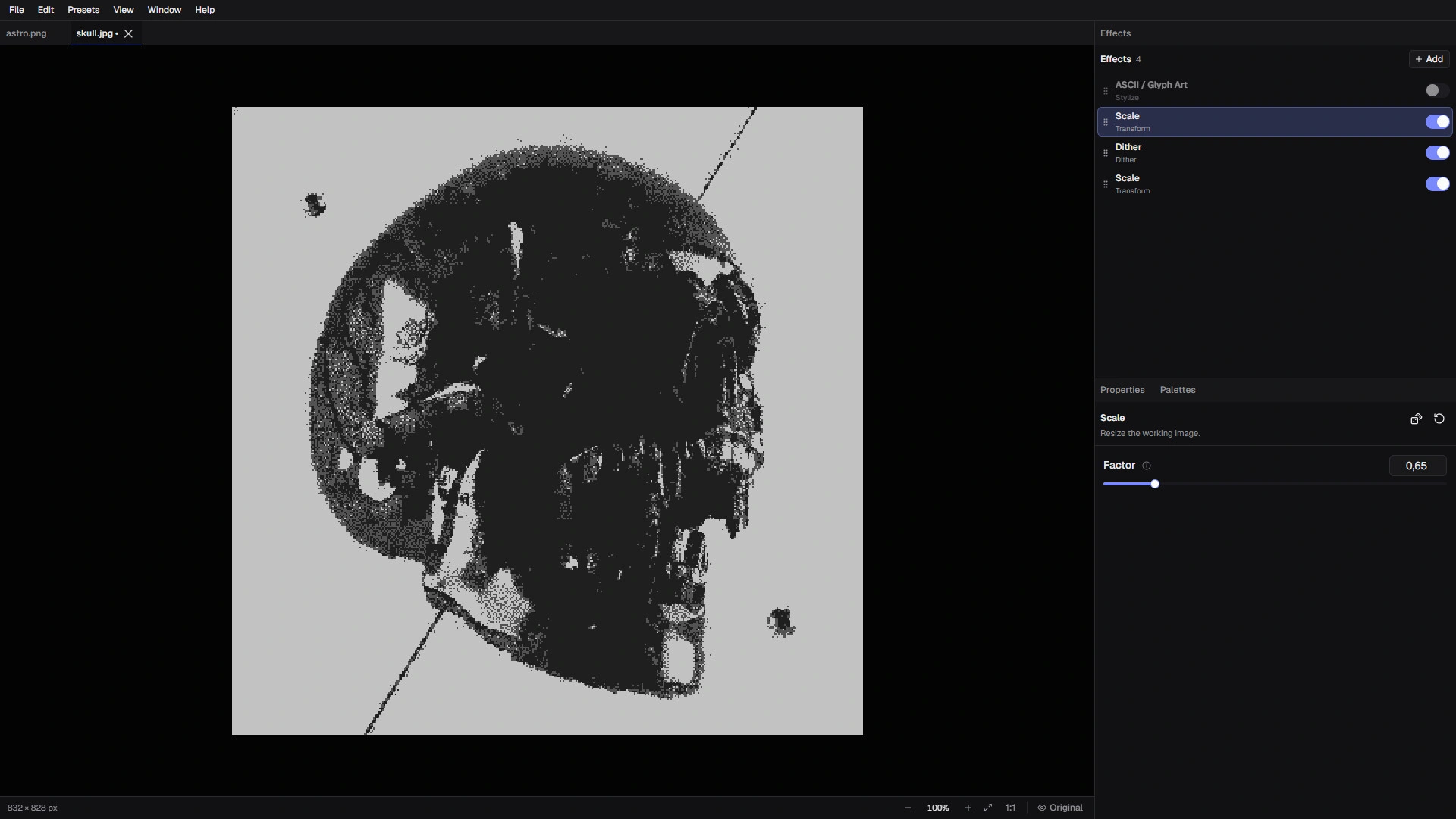
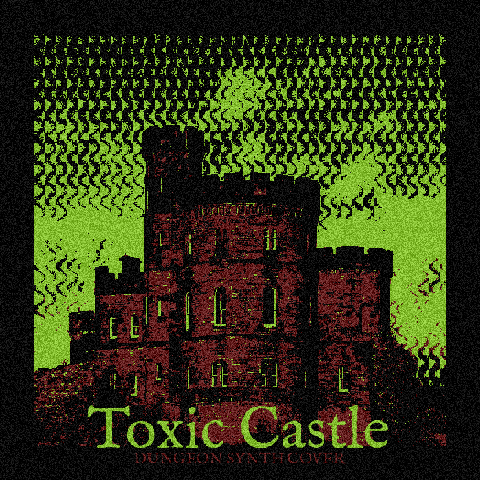
A desktop image processor for dithering, CRT, VHS, ASCII and glitch effects. Combine stages in a non-destructive pipeline, adjust each effect, and save it as a preset.
Apply palette reduction before CRT, add grain after dithering, or finish with ASCII. Each stage has separate settings.
▦
Dither & quantize
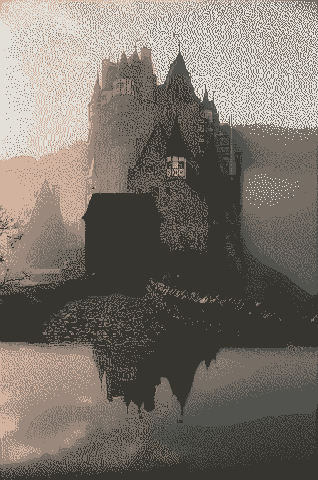
30+ algorithms, from Floyd–Steinberg and Atkinson to Bayer, halftone and experimental patterns. Control palette, intensity and resolution, with knit, star and circuit patterns among the experimental options.
Pixel art / Pattern / Palette⊞
CRT & analog
CRT warp, phosphor glow, RGB subpixels and scanline curvature. Add VHS color distortion, tracking noise and tape dropout.
CRT / VHS / Analog↯
Glitch & distortion
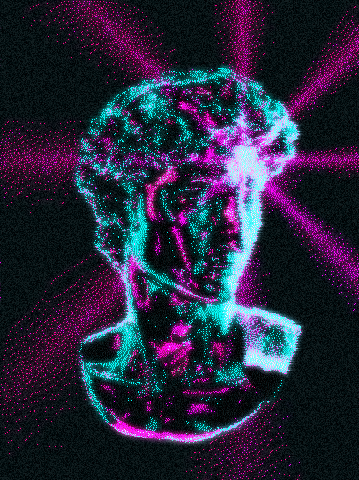
Pixel sorting, scanline glitches, RGB shifting and simulated datamoshing.
Glitch / Distortion / Noise◈
Texture, tone & print
Film grain, halation, vignette, Risograph, newsprint and E-Ink simulation. Adjust brightness, contrast, levels and tonal mapping.
Print / Grain / ColorAa
ASCII, glyphs & type
Render images with ASCII and glyphs, add text overlays, and process the result through other stages.
ASCII / Glyphs / Typography>_
Presets & batch processing
Save reusable presets and process multiple images. The Steam version also includes CLI access and video effects for automated workflows.
Presets / Batch / CLI
Stage controls
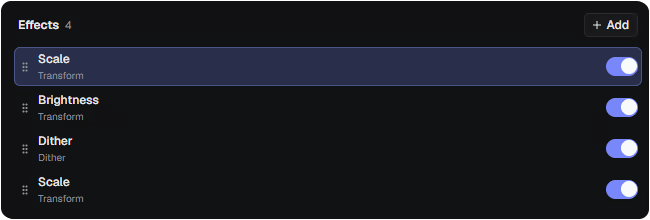
Build effects as a reusable pipeline
Reorder, duplicate, disable or randomize stages. Save their order and settings as a preset, then reuse it on other images.
You want to support me, the developer. This store charges me the lowest fees.
Current prices and regional availability are shown in each store.
A few things to know
FAQ
Is this a fixed collection of filters?+
No. Studio is built around a non-destructive processing pipeline. Stack, reorder, duplicate, disable, randomize and configure individual stages, then save your setup as a reusable preset.
Which platforms are supported?+
The Steam version supports Windows 10 (64-bit) and macOS 11 or later. The Mac App Store version requires macOS 12.0 or later. The Microsoft Store version is coming soon.
Can I process more than one image?+
Yes. Reuse a saved pipeline across multiple images. The Steam version also provides CLI automation and video effects. These options are not available in the Mac App Store version because of Apple’s sandbox restrictions.
Where can I see finished workflows?+
Visit The Archive ↗ to explore published images, follow the stages from source to result, and copy presets for your own experiments.